
Invoice app
Contractor invoices that count every dollar down to $0.00.
The invoice starts from the job with the deposit already taken off. Record each payment and see what is still owed.
 First month freeGoogle Play · Coming soon
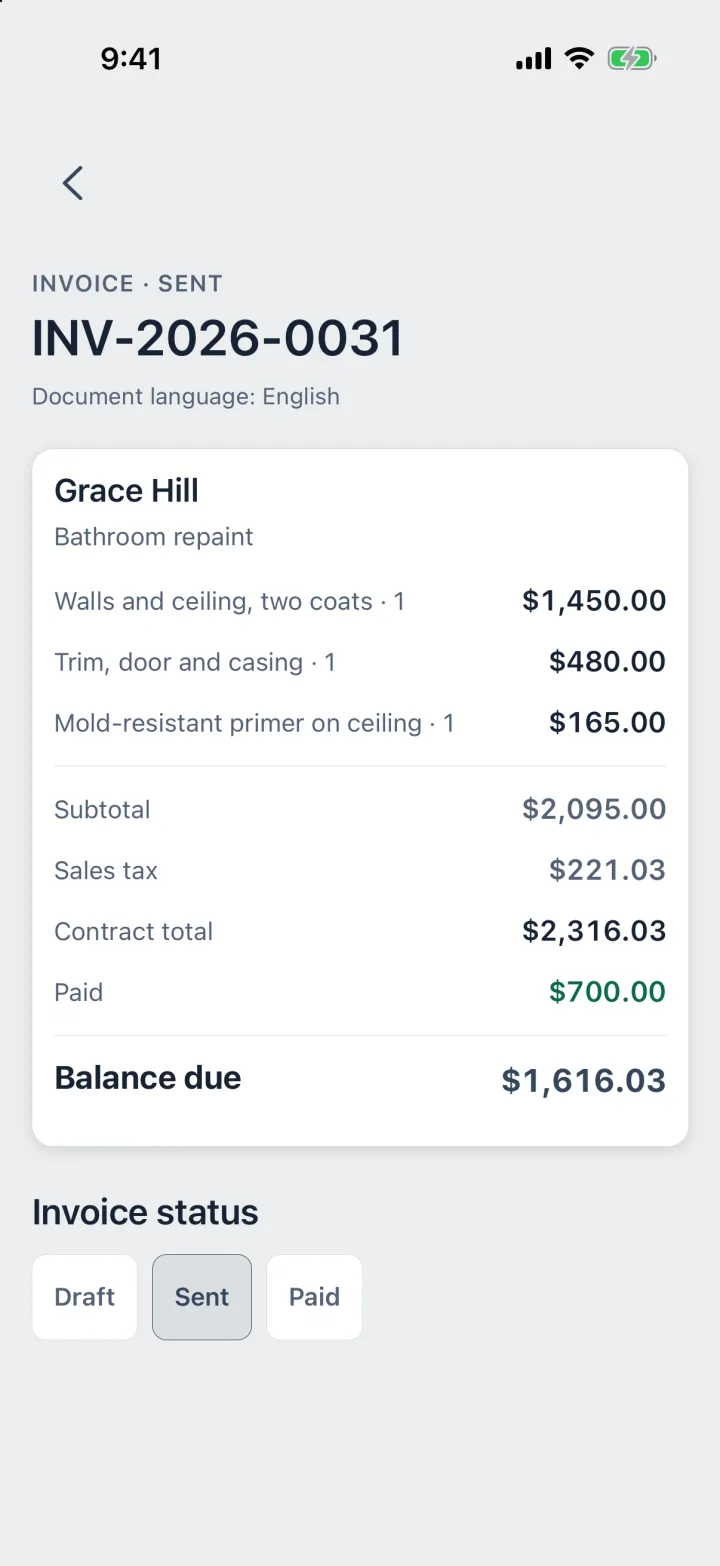
Real screen · ProBos demo data
From finished job to paid in full.
No retyping between the estimate, the job and the invoice.
Step 1
Start from the job
Contract · Client · Address
The invoice takes the client, the address and the price from the job. You do not build it twice.
Step 2
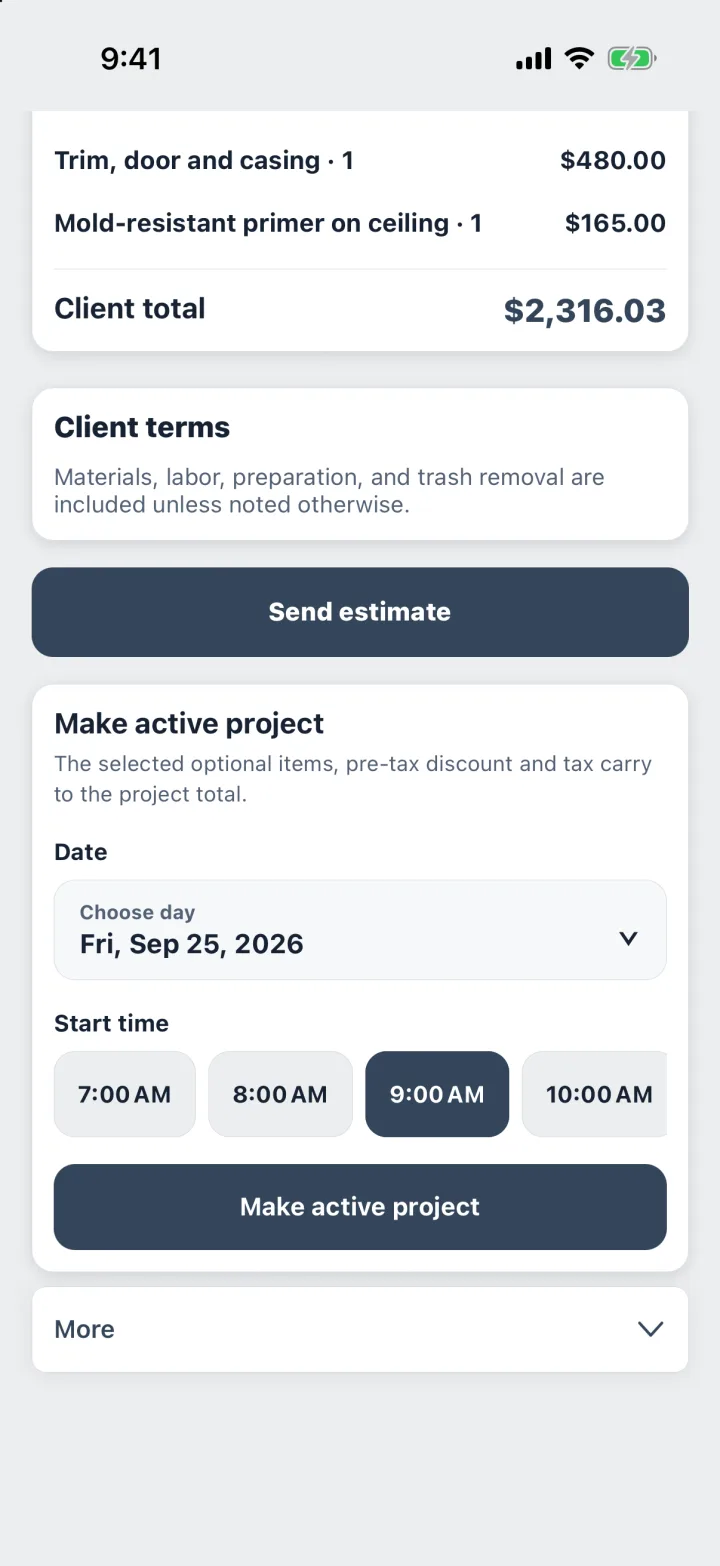
Send it as a PDF
Deposit counted · Balance due
Deposits you already received are counted, so the invoice shows the real balance. Text or email it as a PDF.
Step 3
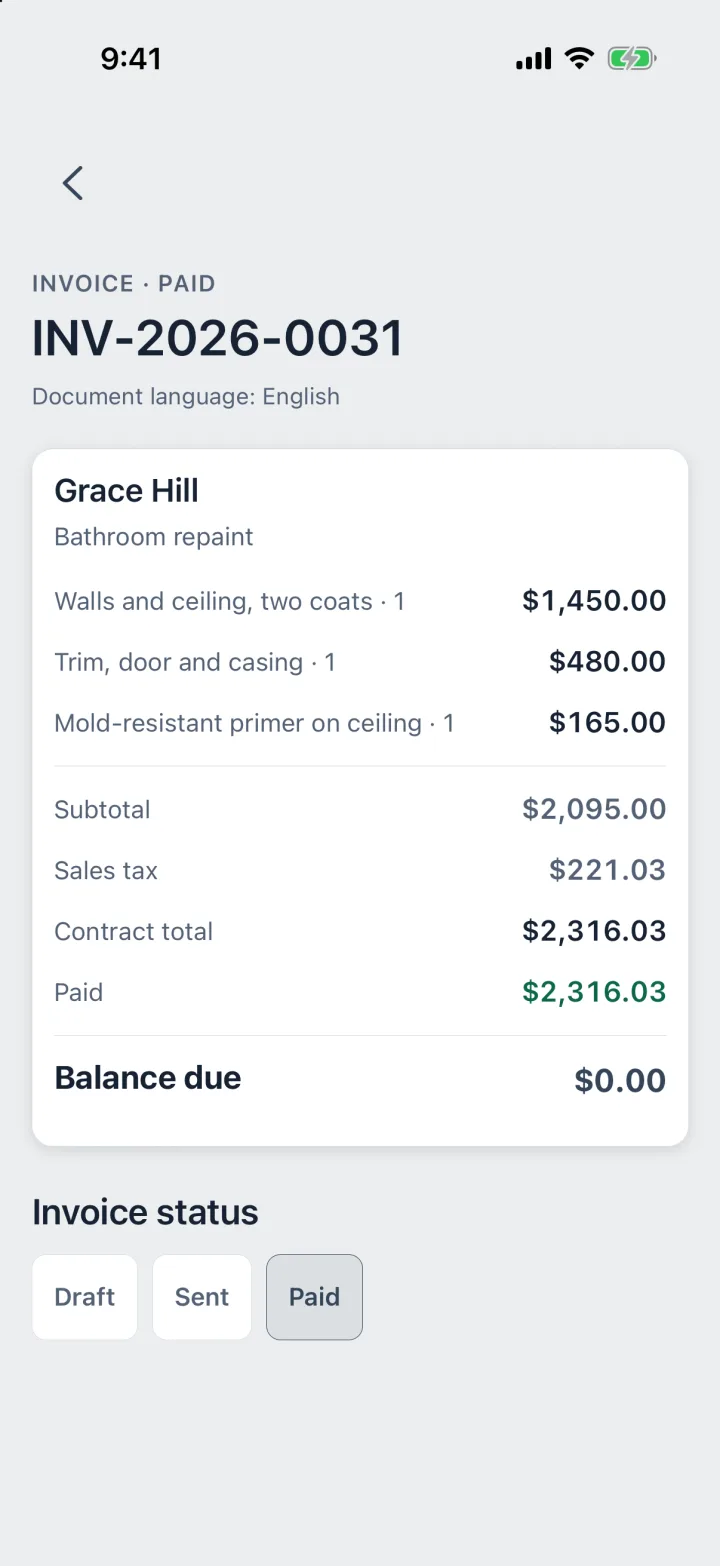
Record the payment
Check · Cash · Card · Transfer
Log each payment on the day it arrived and how it was paid. When the balance reaches zero, the job is paid in full.
Know who owes you what.
ProBos keeps the money side of every job in one place, without a payment processor in the middle.
- Deposits, partial payments and the final check on one job
- Unpaid completed work, totaled at the end of each month
- Reminders on your phone to follow up on payments
- Invoices in English, Spanish or Russian
ProBos records the payments you enter. It does not process cards or move money.
Questions
Can clients pay by card through ProBos?
No. ProBos does not process payments. You get paid the way you already do, by check, cash, card reader or transfer, and record it on the job.
How are deposits handled?
Record the deposit as a payment when it arrives. The invoice counts it and shows the balance still due.
Does it remind me about unpaid invoices?
Yes. ProBos reminds you on your phone to follow up. You decide how to reach the client.
Do deposits count as income in the report?
Yes. The report for your accountant counts money on the day it arrived, deposits included.
Your next job,
from call to paid.
Estimate, job, receipts, invoice and payment in one app.
First month freeGoogle Play · Coming soon