
For painters, handymen and remodelers
Get it signed before you leave the driveway.
Estimates, invoices and receipts in one app for contractors. Your client signs the estimate on your phone.
 First month freeGoogle Play · Coming soon
Real screen · ProBos demo data
Why it works in the field
- No account to create
- Records stay on your phone
- Works without signal
- English · Español · Русский
Run the paperwork from your phone
Estimates, signatures, jobs, receipts, invoices and the month-end report. One app that works where you work.
Estimates
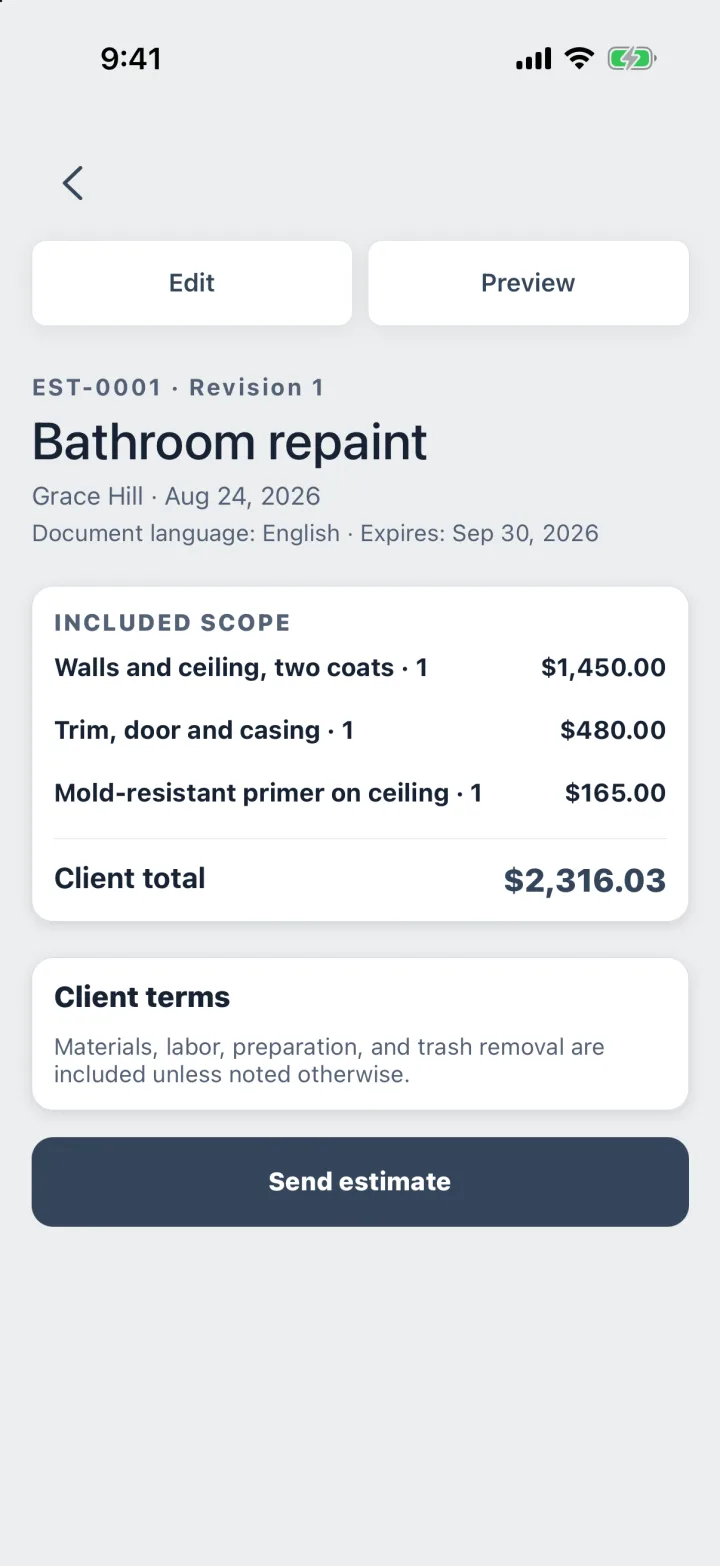
Estimates with sales tax, in minutes
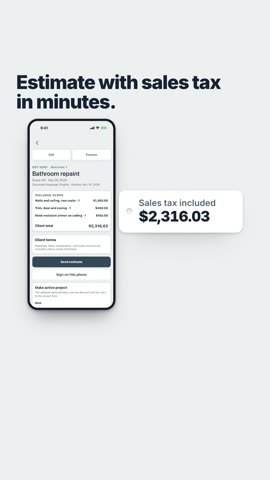
Add the line items. ProBos adds the sales tax and the client total, then makes a clean PDF in your client’s language.
- Optional upgrades and discounts
- Sales tax in the client total
- PDF in English, Spanish or Russian
- Every revision numbered
Signatures
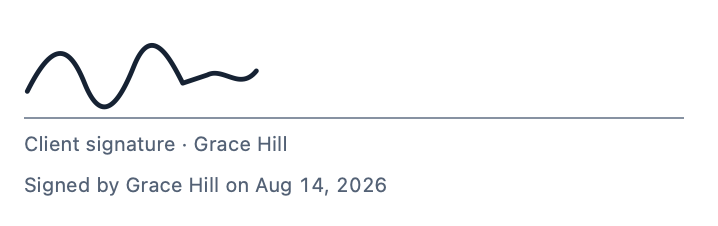
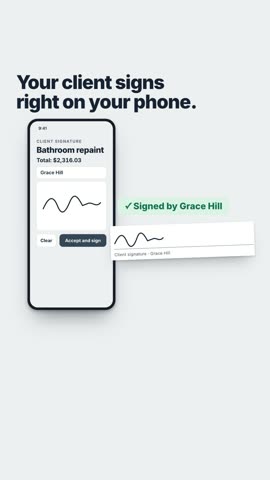
Your client signs on your phone
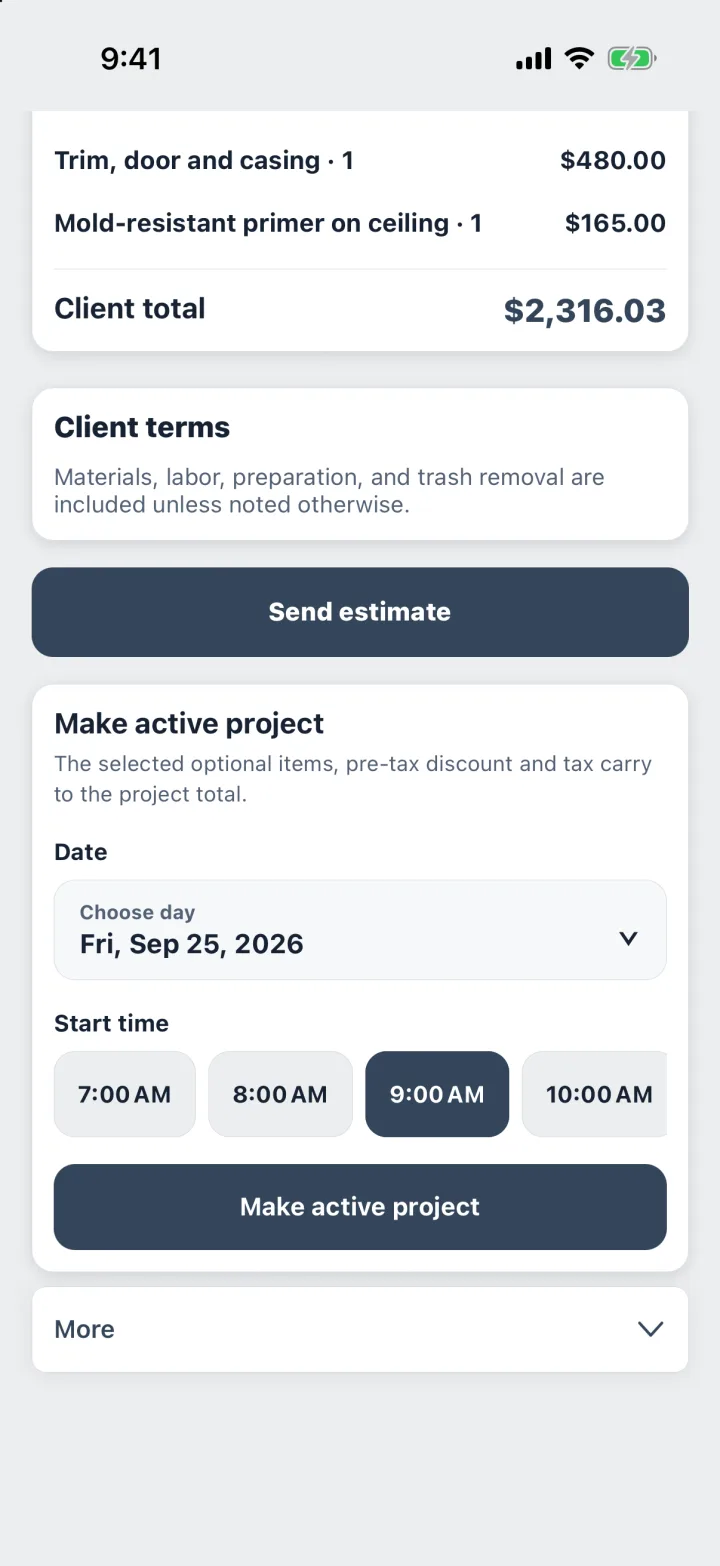
Hand over the phone. The signature goes onto the estimate PDF with the client’s name and the date.
- Signed on the spot
- Saved with the estimate
- Name and date on the PDF
- Works without signal
Jobs
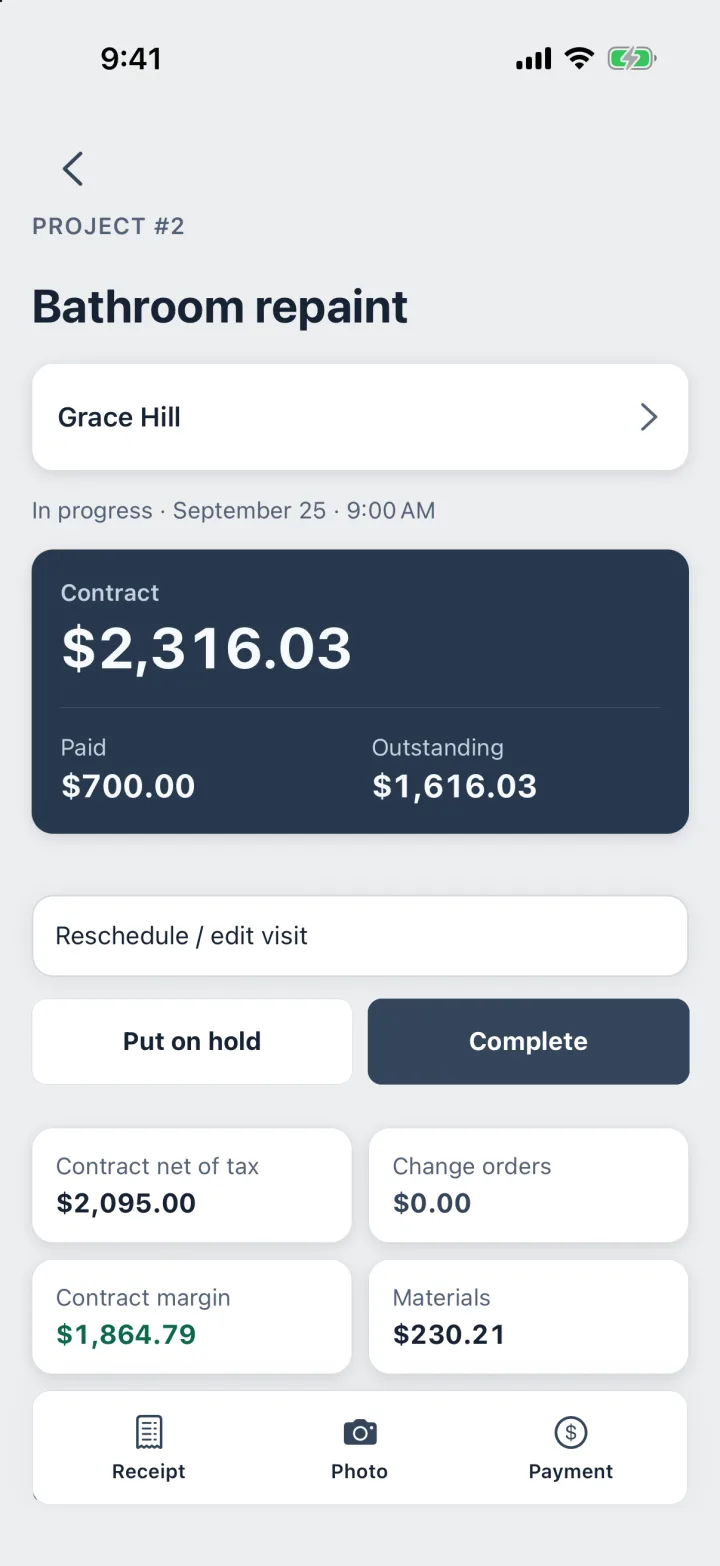
Every job and its money in one place
Contract, deposits, what is paid and what is left. Change orders and receipts stay with the job.
- Paid and outstanding
- Change orders
- Costs from receipts
- Visits on the calendar
Receipts
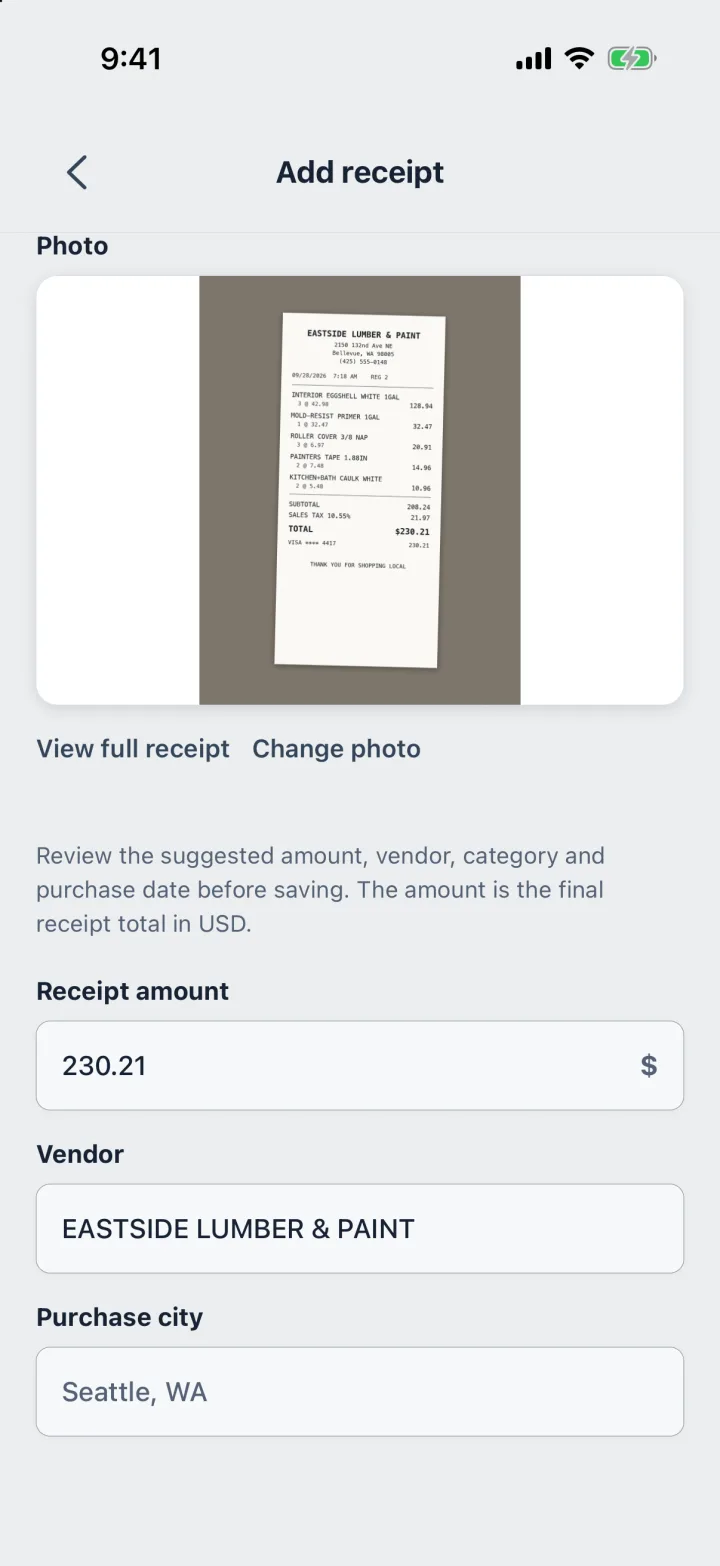
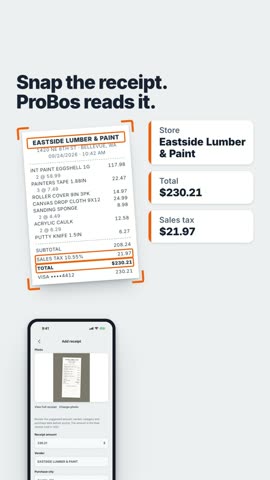
Snap a receipt. ProBos reads it.
Take a photo of the receipt. The phone reads the store, the total and the tax; you check them and the cost lands on the job.
- Store, total and tax
- Read on the phone
- Saved to the job
- In the month-end report
Invoices
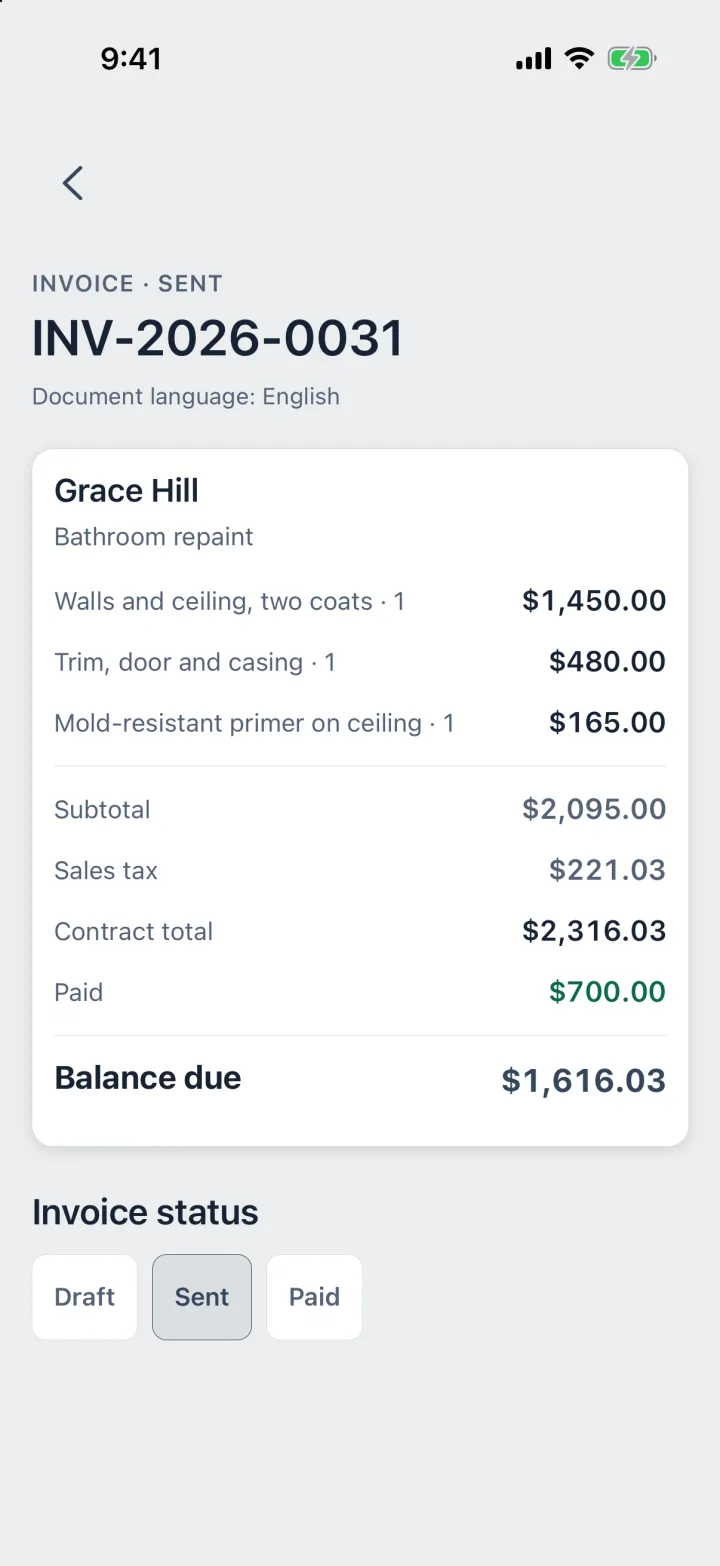
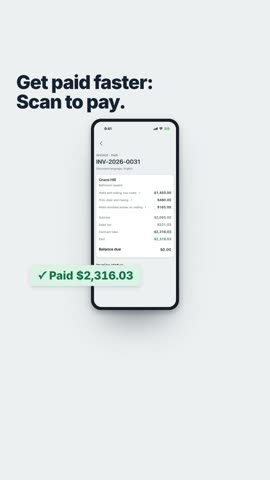
Invoices your client can pay by scanning
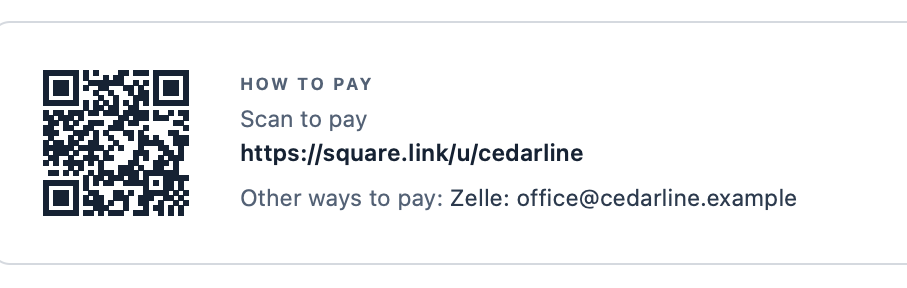
Add your Square or PayPal payment link, and the invoice PDF gets a Scan to pay code. Deposits and payments add up to the balance.
- Scan to pay QR code
- Deposit invoices
- Balance due
- PDF in your client’s language
Report
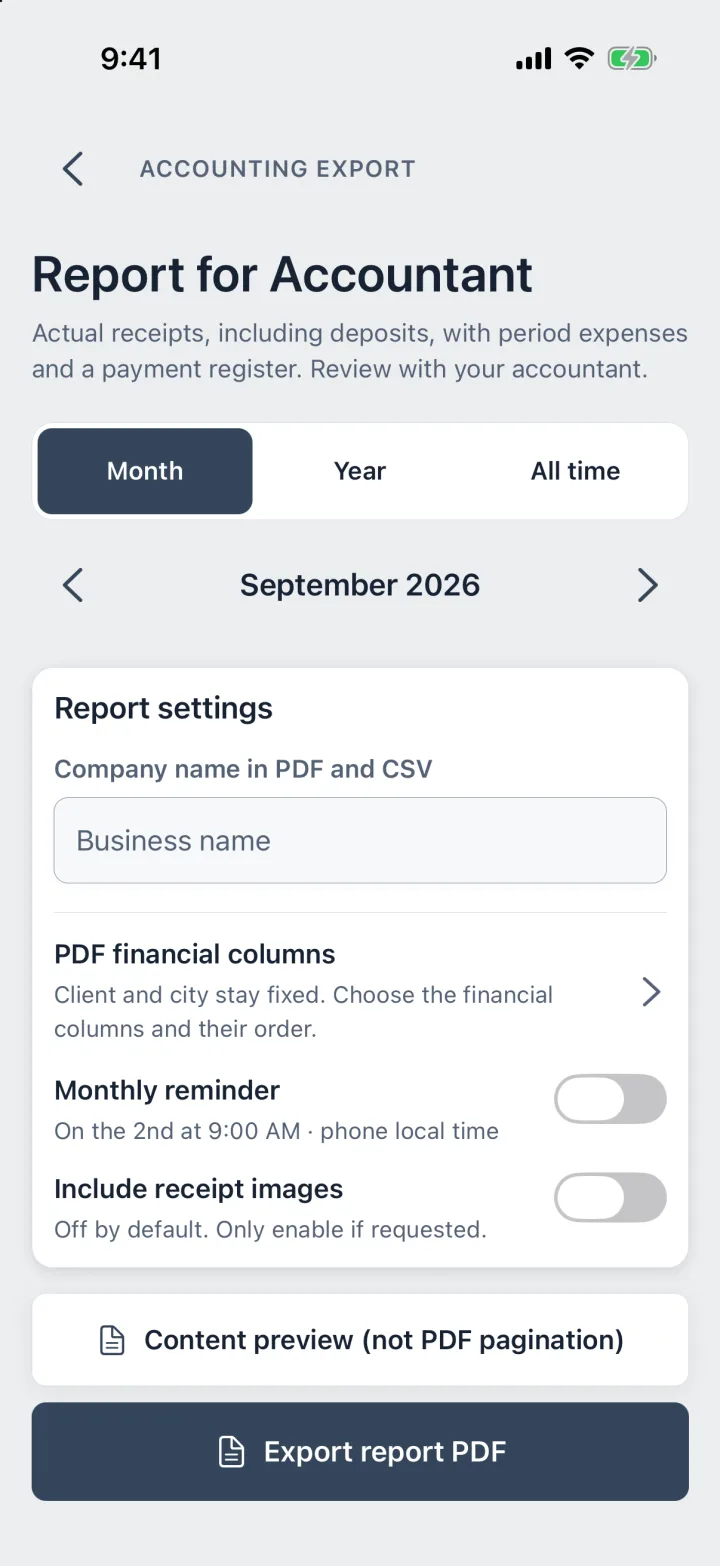
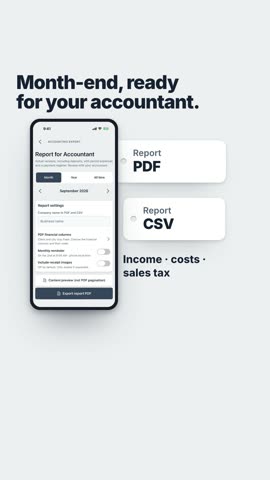
Month’s end, ready for your accountant
One report for the month or the year, as PDF or CSV. It counts money on the day it arrived, deposits included.
- Income by the date it arrived
- Costs, with receipt photos if you want
- PDF and CSV
- A monthly reminder
Tax figures are estimates, not a tax bill.
Sales tax on every job
Works in all 50 states
Set the sales tax for each job. Not sure of the rate? Look it up by the job’s ZIP code.
- Painters
- Handymen
- Remodelers
- Drywall
- Flooring
- Tile
- Carpentry
- Cleaning
- Landscaping
Snap receipts
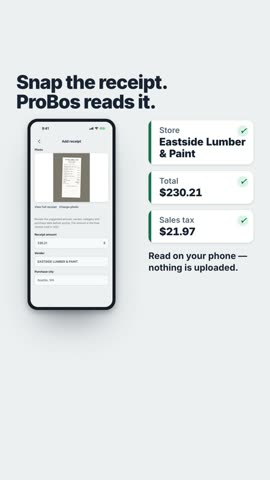
Snap a receipt. ProBos reads it.
The store, the total and the sales tax are read on your phone. You check them before saving. Nothing is uploaded.
- Take a photo of the receipt
- ProBos reads the store, total and tax
- You check it, and it is saved to the job
From first call to paid
One job, start to finish, in one app.
- Step 1
The call
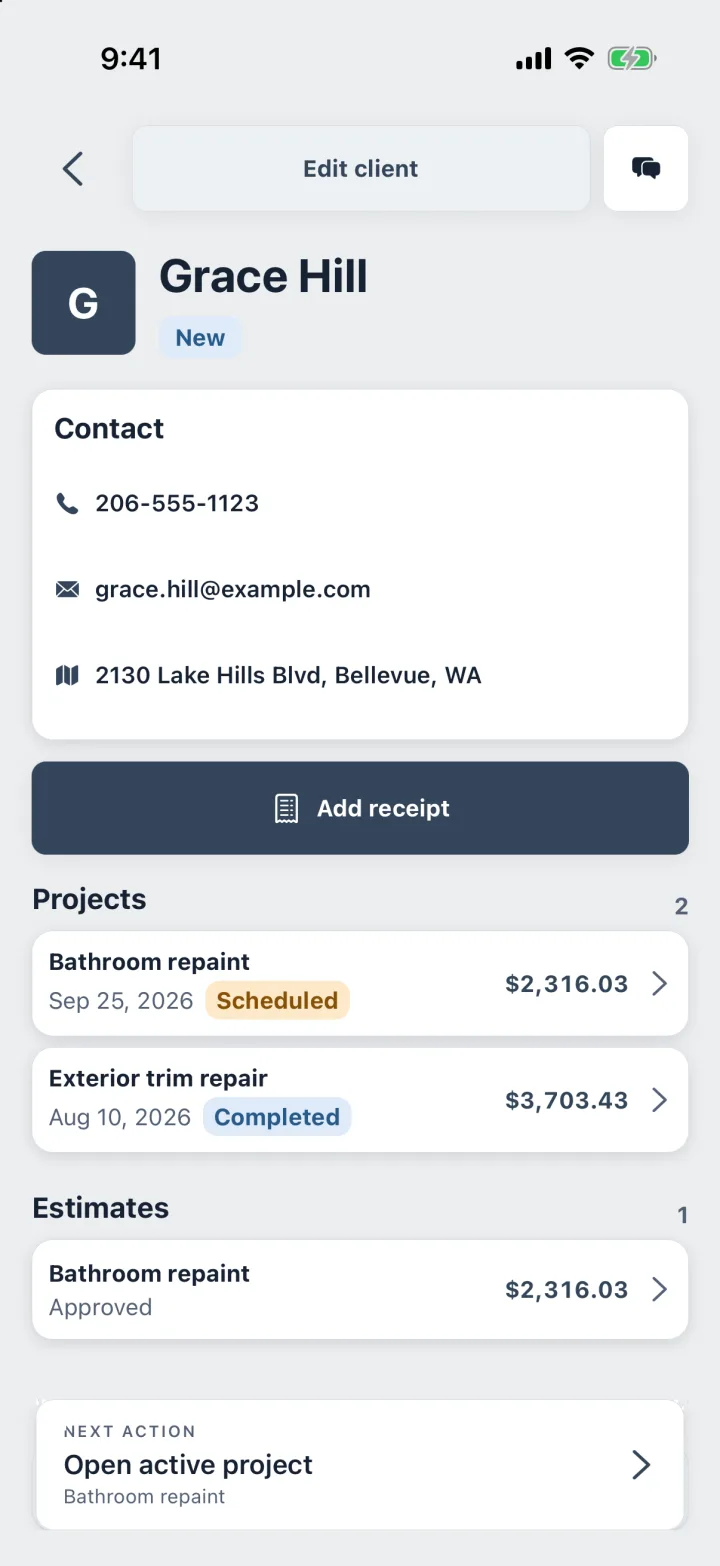
Save the client while you are still on the phone. Call, email and directions are one tap away when it is time to go.
- Step 2
The estimate
Build it at the kitchen table: quantity, price, sales tax. The client signs on your phone, and the PDF goes out before you leave the driveway.
- Step 3
The job
When the client says yes, the estimate becomes a scheduled job. Pick the day and the start time, and the price comes with it.
- Step 4
The receipts
Photograph the lumber yard receipt. The phone reads the vendor, the total and the tax; you check them and the cost lands on the job.
- Step 5
The invoice
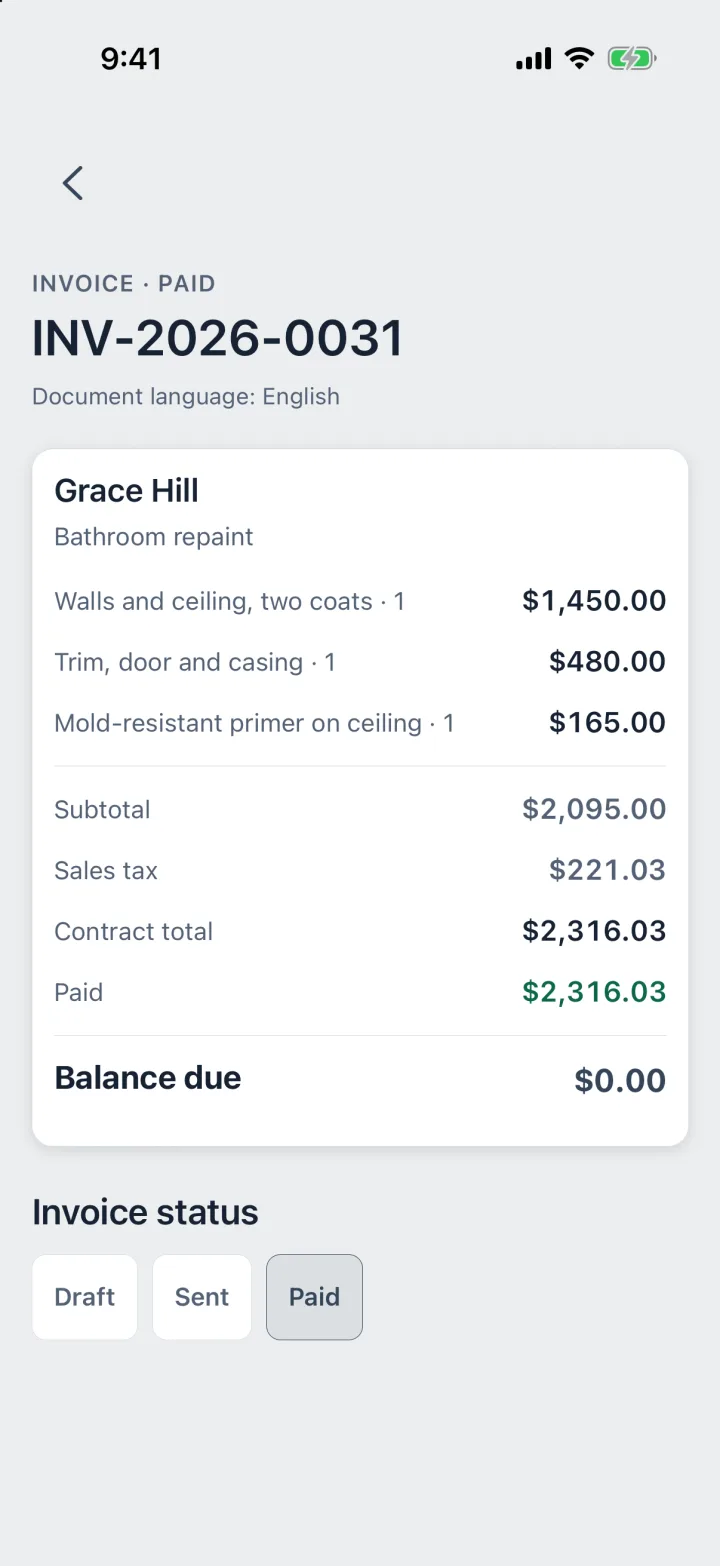
The invoice starts from the job, with the deposit already counted. Text or email it as a PDF.
- Step 6
Paid
Record each payment on the day it arrived. When the balance reaches zero, the job is paid in full.
Your records stay
on your phone.
No account, no sign-in, no ProBos cloud.
Works in a basement with no signal.
Save a backup file whenever you want, wherever you choose.
Purchases go through Apple or Google. What leaves the phone, and when, is in the Privacy Policy.
30 seconds
See ProBos at work
From the driveway estimate to the month-end report, in half a minute.
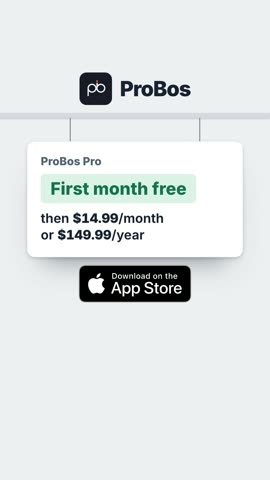
One price. The whole app.
Every feature on every job. The first 30 days are free, with no card and nothing to cancel.
ProBos Pro
$14.99/ month
or $149.99 a year
First month freeSave 16%
- Every feature on every job
- Client signatures on your phone
- Receipts read on the phone
- Month-end report in PDF and CSV
Renews automatically. Cancel anytime in your App Store or Google Play settings. If a subscription ends, your records stay open to view, export and back up.
Google Play · Coming soonBefore you download
Is there a free trial?
Yes. The first 30 days are free, with no card and nothing to cancel. After that, you choose a plan to keep adding and editing; your records stay yours either way.
Where are my records stored?
On your phone. There is no account and no ProBos server holding your clients, estimates or money. Save a backup file whenever you like.
Does it work without internet?
Yes. Your records open and save without a connection. Buying the subscription, the optional ZIP code tax lookup, email and maps need internet.
iPhone or Android?
iPhone today, on the App Store. Android is coming soon. ProBos is for the United States, with prices in US dollars.
What happens if I stop paying?
Your records stay. You can open, export and back them up. Creating and editing need an active subscription.
Is it in Spanish?
The app works in English, Spanish and Russian, and estimates and invoices can go out in your client’s language.
Your first month is free.
Get your next estimate signed before you leave the driveway.
Google Play · Coming soon